Fold
A little depth. A new perspective. Watch your desktop gently fold.
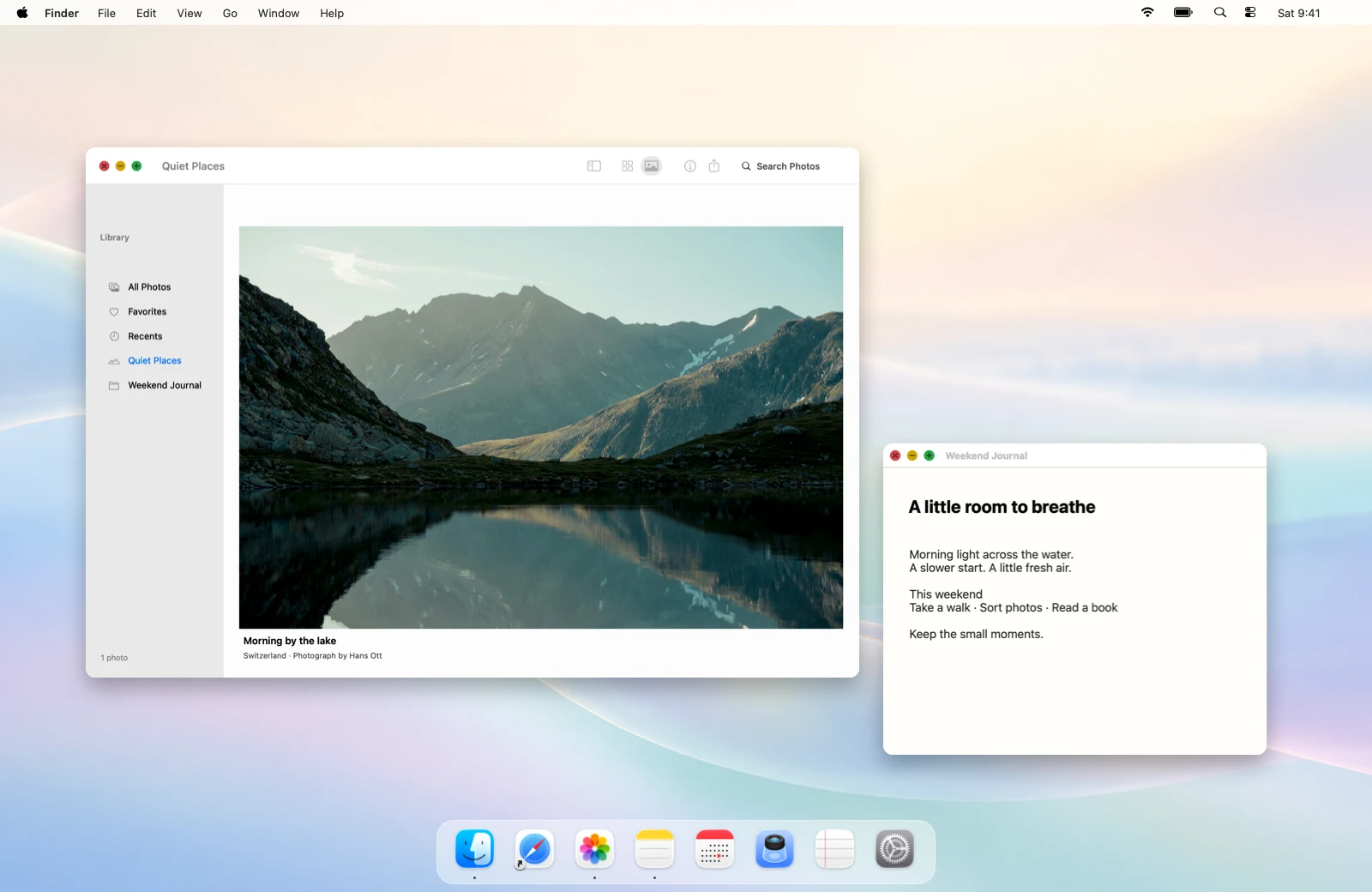
HingeGlow for MacBook
A desktop that folds, flows, and unfolds with your MacBook. Bring a little wonder to an everyday movement.
With a pledge to share: US$3.98 · Full payment back after 20,000 verified views
Getting ready for launch. Experience it today.
Check compatible models before buyingScroll to bend the screen, with a soft blur and shade at the top.
Sample macOS workspace · interactive preview
Find your movement
A gentle fold. A flowing wave. A graceful fan. Explore the one that feels like you.
A little depth. A new perspective. Watch your desktop gently fold.
Soft curves, flowing freely. Let your desktop move like a ribbon.
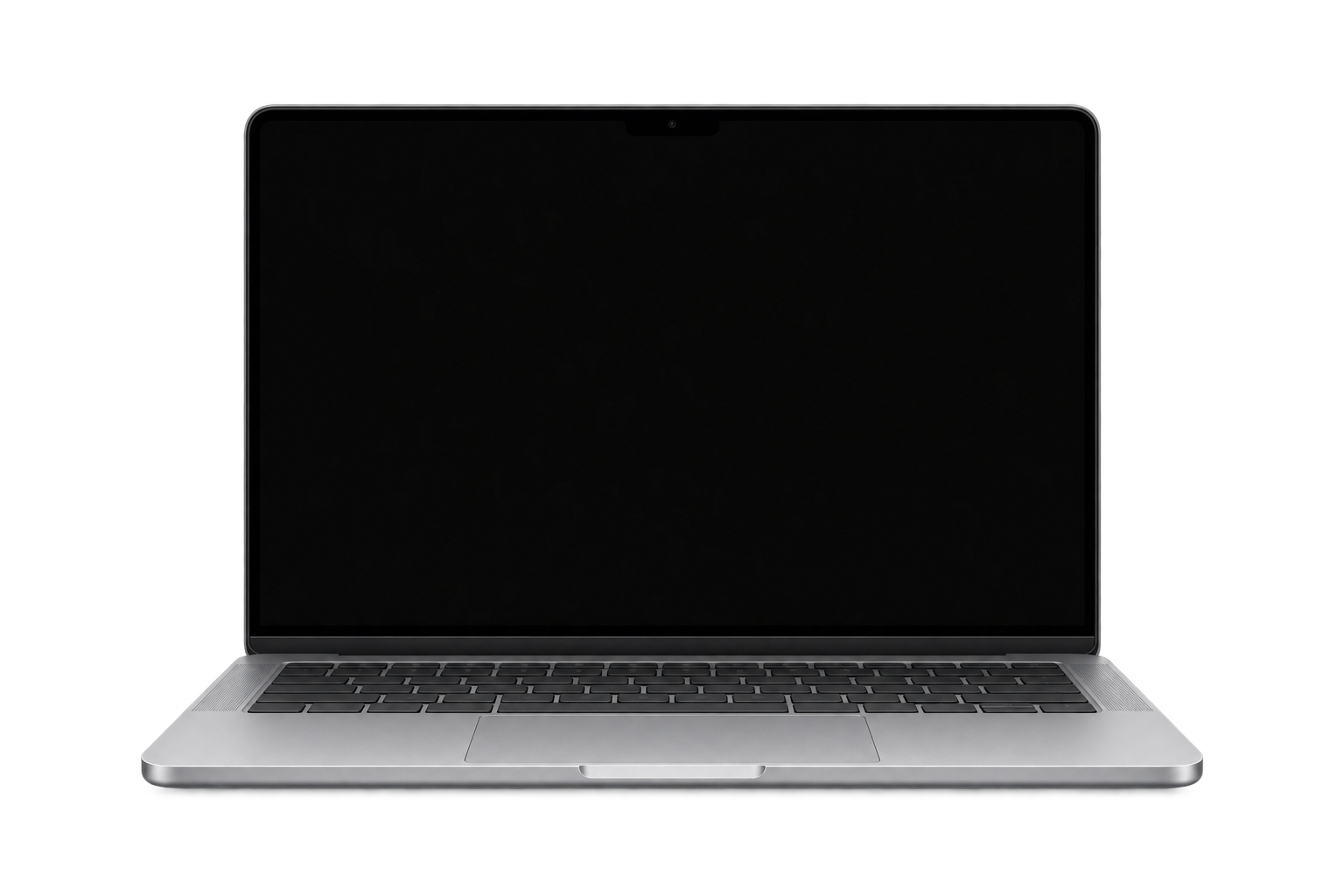
A graceful curve that fans open. A fresh way to see your screen.
Everything flows together
Your wallpaper and open windows move together. Choose wallpaper blur, black, or your own color for the surrounding area.
Silk, Shade, and Frost. Choose your atmosphere, then adjust perspective, blur, and shadow until it feels just right.
Move your lid or try the slider. See every adjustment as you make it.
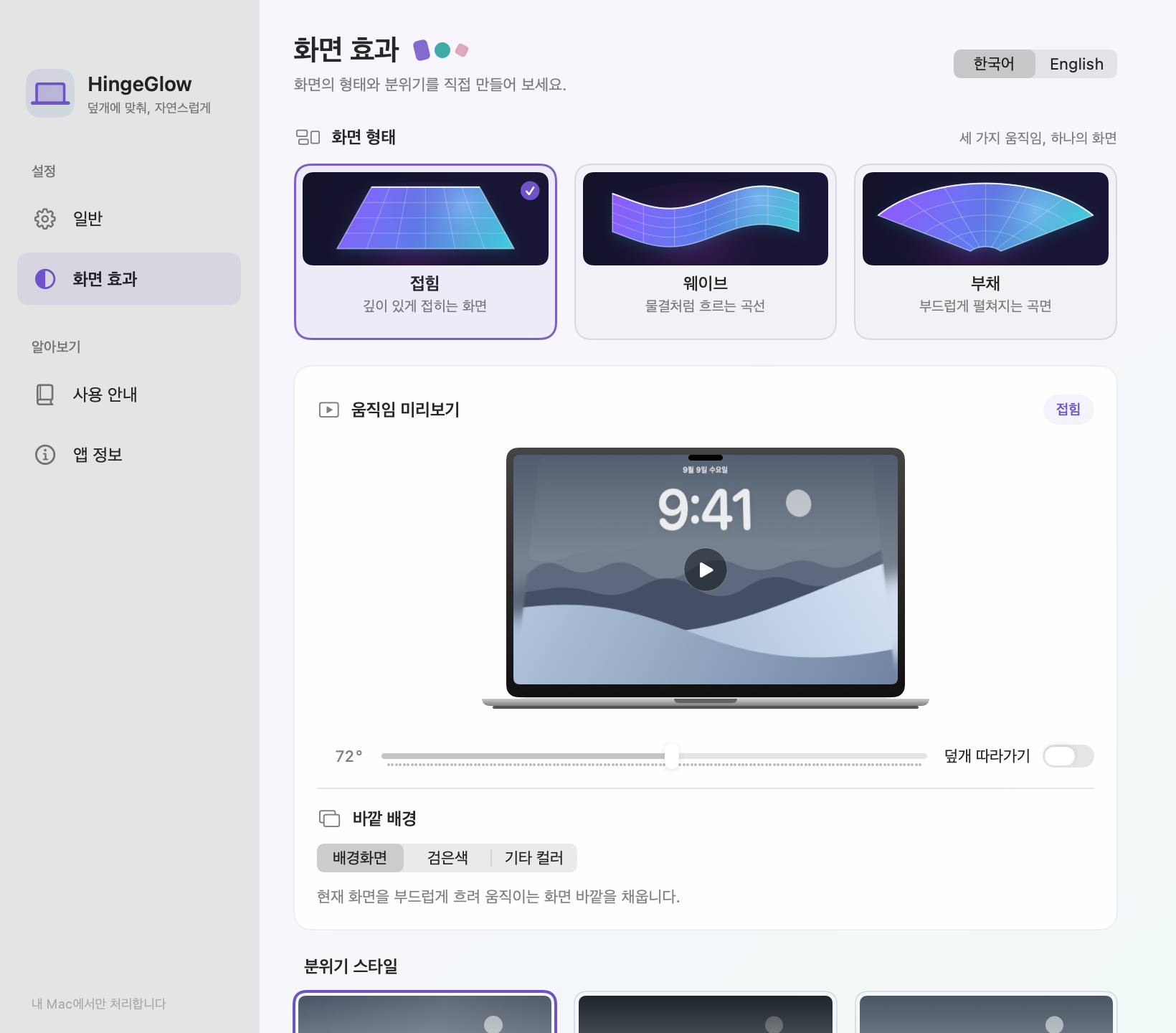
Reads your MacBook’s lid-angle sensor and reconnects when the built-in display wakes.
Stay in control from your menu bar. Pause with a click, or press Esc to stop the effect.
Six sounds to welcome you as the lid reaches your working angle. Choose your mood, or keep it quiet.
A brief, light touch to get started.
Made for MacBook
Screen frames stay on your Mac. They are never saved or uploaded.
Getting started is simple. Open the DMG and drag HingeGlow to Applications. No website account needed.

Getting ready for launch. Experience it today.